Free checklist · PDF
Before you buy an expired domain
A printable 9-point checklist for buying an expired domain: history, backlinks, anchor text, trademarks, indexing and topic fit.
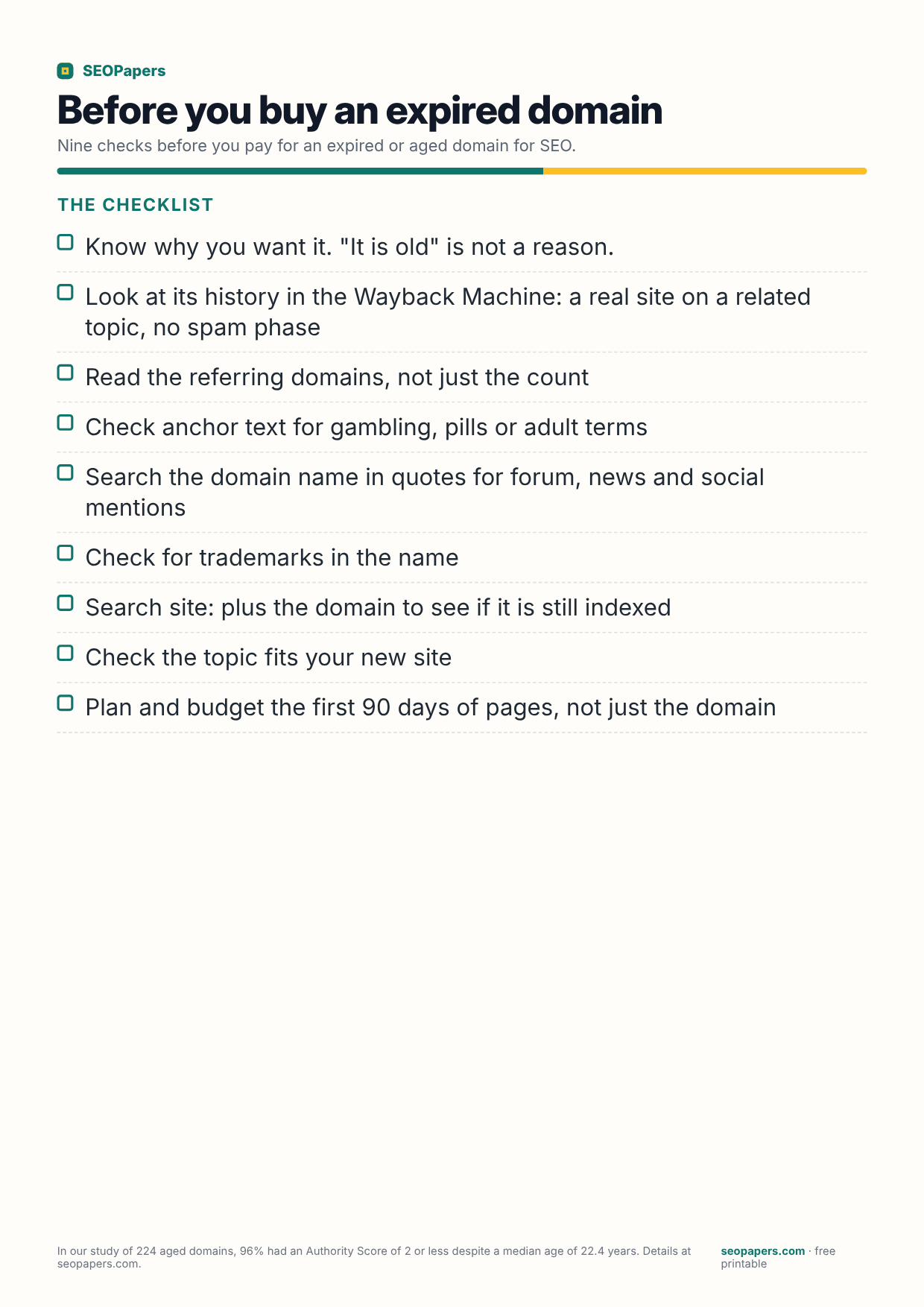
What is on this checklist
Nine checks before you pay for an expired or aged domain for SEO.
The checklist
- Know why you want it. "It is old" is not a reason.
- Look at its history in the Wayback Machine: a real site on a related topic, no spam phase
- Read the referring domains, not just the count
- Check anchor text for gambling, pills or adult terms
- Search the domain name in quotes for forum, news and social mentions
- Check for trademarks in the name
- Search site: plus the domain to see if it is still indexed
- Check the topic fits your new site
- Plan and budget the first 90 days of pages, not just the domain